

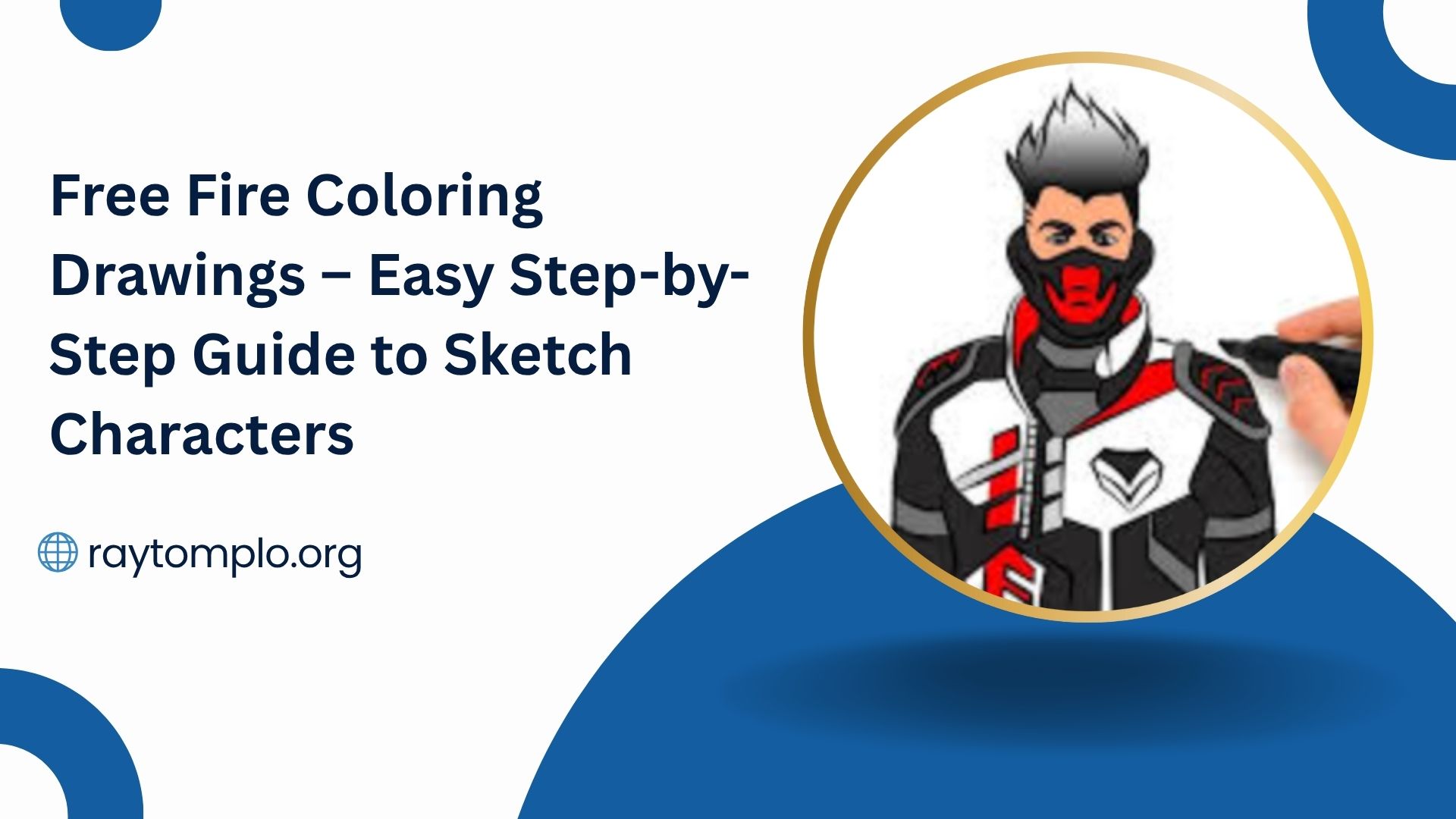
Looking to design your own Free Fire coloring drawings? Whether you’re crafting them for personal enjoyment or to share with fellow Garena Free Fire fans, this creative activity offers both fun and artistic freedom. In this step-by-step guide, you’ll learn exactly how to draw Free Fire characters for coloring, even if you’re a beginner.
Choose the Character or Element You Want to Draw
Start by selecting the Free Fire character or in-game element you want to illustrate. Popular choices include fan-favorite characters like Hayato, Kelly, and Chrono, as well as iconic game elements such as weapons, loot boxes, or vehicles.
- Pro Tip: If you’re new to drawing, begin with simpler characters or basic elements. This helps build confidence and improves your skills before tackling more detailed Free Fire drawings for coloring.
Find Reference Images
Before you start sketching, gather clear reference images of the Free Fire character or item you plan to draw. These visuals help you capture essential details and maintain accuracy in your Free Fire coloring drawings. You can source references from Google Images, in-game screenshots, official promotional art, or even community-created Free Fire fan art.
Recommended Sources:
- Google Image Search
- Free Fire game screenshots
- Garena’s official media
- Online Free Fire fan communities and forums
Draw the Basic Outline
Begin your Free Fire drawing by lightly sketching the basic outline of your chosen character or element using a pencil and paper. Focus on using simple shapes, such as circles, ovals, and lines, to map out the overall pose and proportions. At this stage, avoid adding intricate details; the goal is to establish a strong foundation.
- Pro Tip: Use soft, light pencil strokes. This makes it easier to erase and refine your Free Fire coloring drawing as you go.
Add Details and Features
With the basic outline in place, begin refining your Free Fire drawing by adding specific details that bring the character or element to life. Focus on facial features, clothing patterns, weapons, and unique accessories. These elements are essential for making your Free Fire coloring page look authentic and instantly recognizable.
Key Details to Include:
- Facial expressions and hairstyles
- Signature weapons or gear
- Character-specific accessories
- Tattoos or special markings
Take your time to ensure each detail is sharp and accurate it’s these features that truly define your drawing.
Ink the Drawing
Once you’re happy with your sketch, trace over the pencil lines using a black pen or marker to create clean, defined line art. This step helps solidify your Free Fire coloring drawing, making it crisp and ready for coloring. Maintain smooth and consistent lines for optimal visual impact.
Pro Tip:
- Use a fine-tip marker for intricate details, such as facial features or accessories.
- Choose a thicker marker for outlining the main structure and prominent elements.
- Allow the ink to dry fully before erasing the pencil lines to avoid smudging.
Scan or Photograph the Drawing
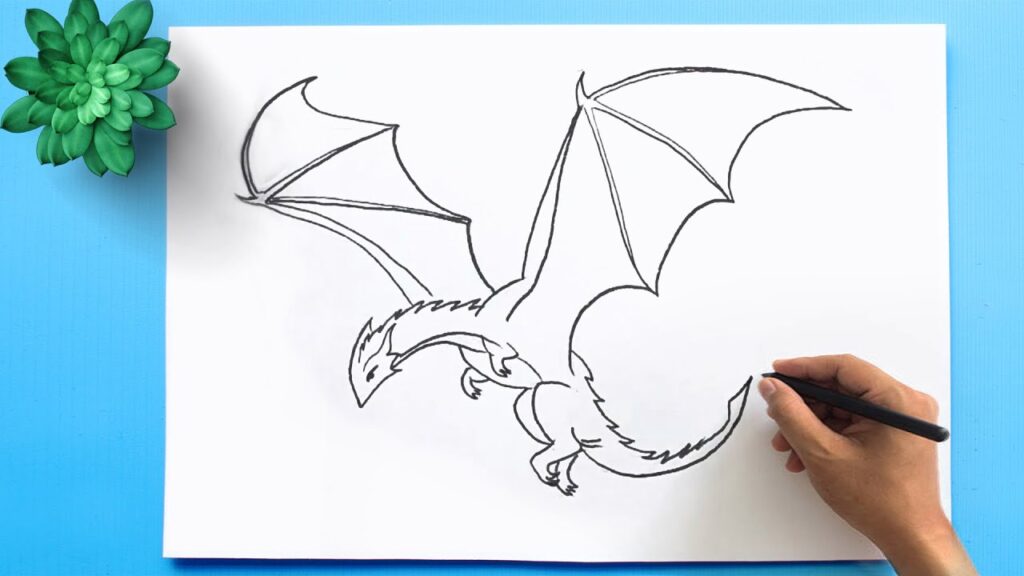
After your inked drawing is completely dry and free of pencil marks, it’s time to digitize your Free Fire coloring drawing. Use a scanner or a high-resolution smartphone camera to capture a clear image of your artwork. This allows you to easily share your creation online or make printable coloring pages for others to enjoy.
Recommended Tools:
- Flatbed scanner for high-quality scans
- Smartphone camera with good lighting and resolution
- Photo editing apps to adjust brightness and contrast if needed
Edit the Drawing (Optional)
Once your Free Fire drawing is digitized, use image editing software to enhance it for coloring. You can remove any imperfections, increase line sharpness, adjust contrast, and even define borders to make it more print-friendly. Tools like Adobe Photoshop, GIMP, or free online editors can help you polish your artwork to a professional level.
- Pro Tip: Use contrast and brightness adjustment tools to make the black lines stand out clearly, ensuring your Free Fire coloring page is crisp and easy to fill in.
Print the Drawing for Coloring
After editing, it’s time to bring your Free Fire coloring drawing to life on paper. Print your artwork using high-quality paper that suits your coloring medium. Standard white printer paper works well for crayons or colored pencils, while watercolor or marker-friendly paper is ideal if you plan to use inks or markers.
- Pro Tip: Before printing, adjust your printer settings to ensure the image fits the desired page size without losing clarity or proportions.
Share and Enjoy
Now that your Free Fire coloring drawing is complete, please share it with others! Post your artwork on social media platforms, Free Fire fan groups, or gaming forums where fellow enthusiasts can view, download, and color your designs. You can also host virtual coloring sessions or community challenges to make the experience even more interactive.
Where to Share:
- Facebook, Instagram, or X (Twitter)
- Free Fire fan forums and Discord groups
- Online art platforms and coloring communities
Creating and sharing Free Fire coloring drawings is a fun and rewarding way to blend your passion for the game with your artistic talent. Just follow these steps to design detailed, print-ready artwork that other fans will love. Enjoy sketching and coloring your favorite Free Fire characters and elements and inspire others to do the same!
Frequently Asked Questions
What are Free Fire coloring drawings?
Free Fire coloring drawings are black-and-white illustrations of Free Fire characters or elements designed to be printed and colored by fans.
Can beginners create Free Fire drawings for coloring?
Yes! With basic shapes, reference images, and step-by-step guidance, beginners can easily create Free Fire coloring drawings.
Which Free Fire characters are best for coloring pages?
Popular choices include Hayato, Kelly, Chrono, and Alok due to their unique looks, outfits, and recognizable features.
What tools do I need to start drawing Free Fire characters?
You’ll need pencil, paper, eraser, fine-tip marker, and optionally a scanner or phone camera for digital sharing.
Where can I find reference images for Free Fire drawings?
Use sources like Google Images, official Free Fire promotional material, in-game screenshots, and fan art communities.
How can I ensure my drawing is easy to color?
Use clean, bold outlines, avoid too many tiny details, and ensure line clarity by inking over pencil sketches.
What software can I use to edit my Free Fire coloring drawings?
You can use Adobe Photoshop, GIMP, or free tools like Pixlr or Photopea to adjust contrast and clean up your artwork.
Conclusion
Creating Free Fire coloring drawings is a fun and rewarding way to combine your passion for the game with artistic expression. Whether you’re sketching iconic characters like Hayato or designing custom coloring pages for fellow fans, each step from choosing references to inking and sharing helps you grow as an artist.